Dental-practice architecture, visualized
See your future practice, before the build.
Plan-derived 3D models and renders that let owners and architects walk a space, check sightlines and materials, and agree on the design before construction starts — then watch it go up from the air.
Explore the demo Discuss your project
One click, no account. Four example projects you can open as the architect, the client or the drone pilot.
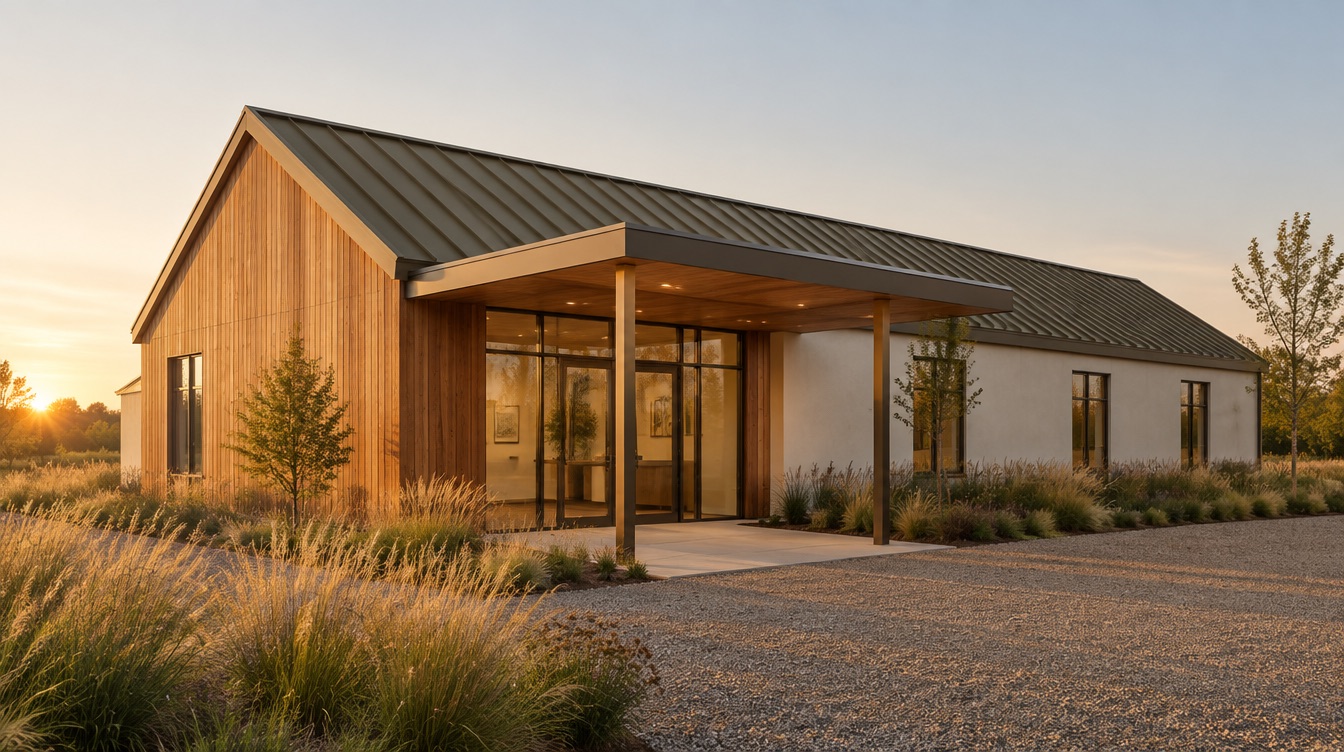
Three ways to see your practice
Explore the design. Hold the model. Follow the build.
Choose the services your project needs, with a shared workspace to bring the results together.
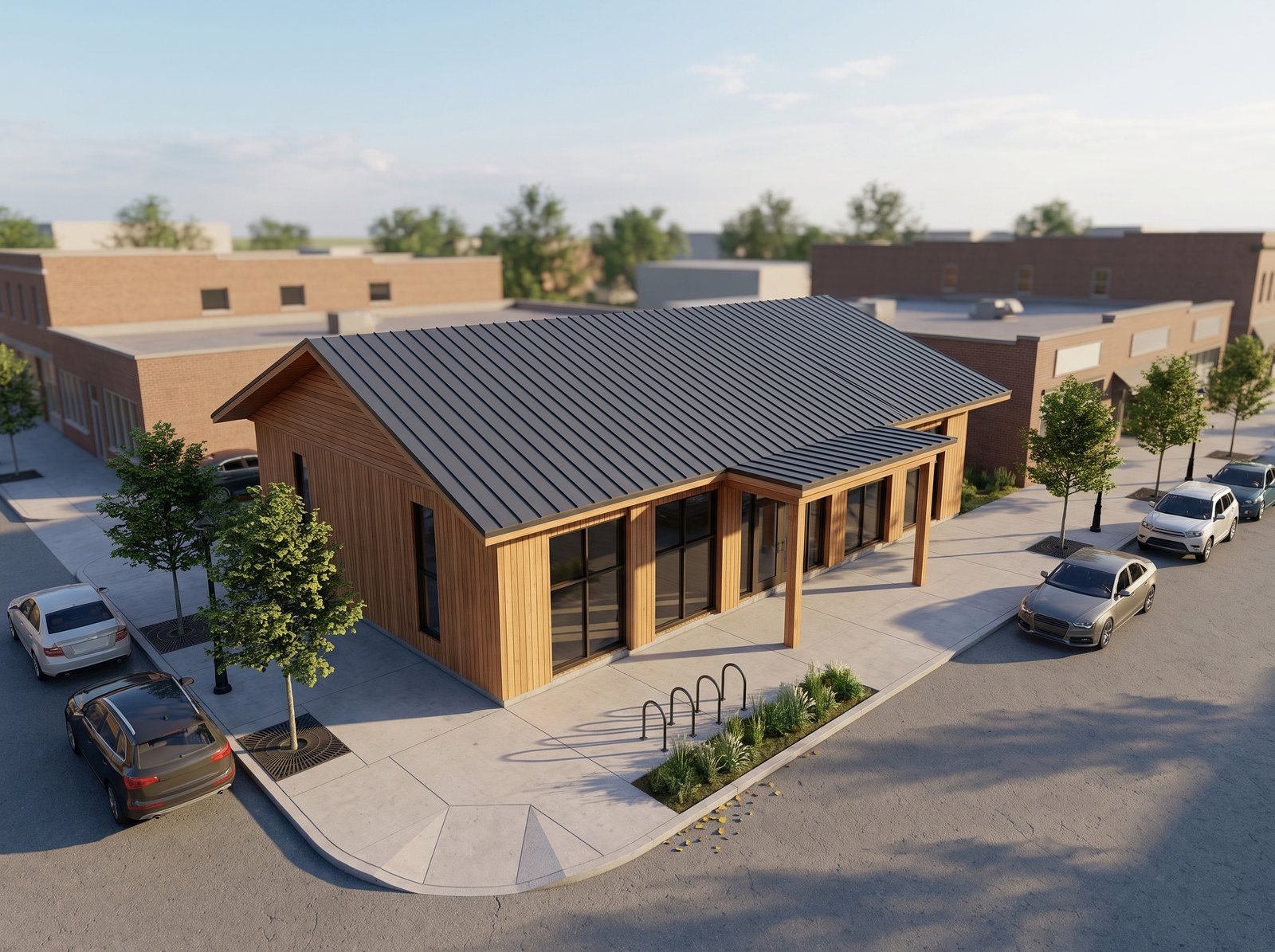
01 / Explore the design
3D models & renderings
Understand the space, explore the model and present the agreed design.
Compare digital packagesExterior
Interior
02 / Put it on the table
Physical models
See the roofline and room layout in white, selected-color or full-color model concepts.
Explore model finishes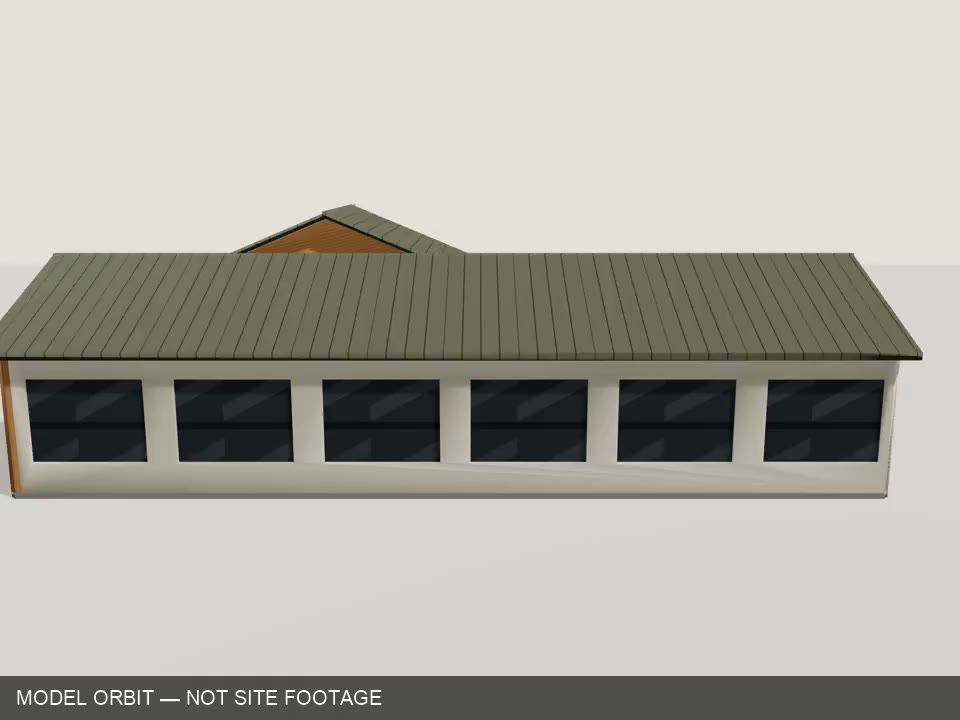 Demo simulation
03 / Follow the build
Drone progress
Dated orbit videos, overhead maps and site photographs, scoped to your project.
Explore drone coverageFictional examples. Physical models are untested fabrication concepts; the flight preview is a simulation. Prints and drone flights are quoted separately, subject to model review and local availability. Workspace charges are separate from production.
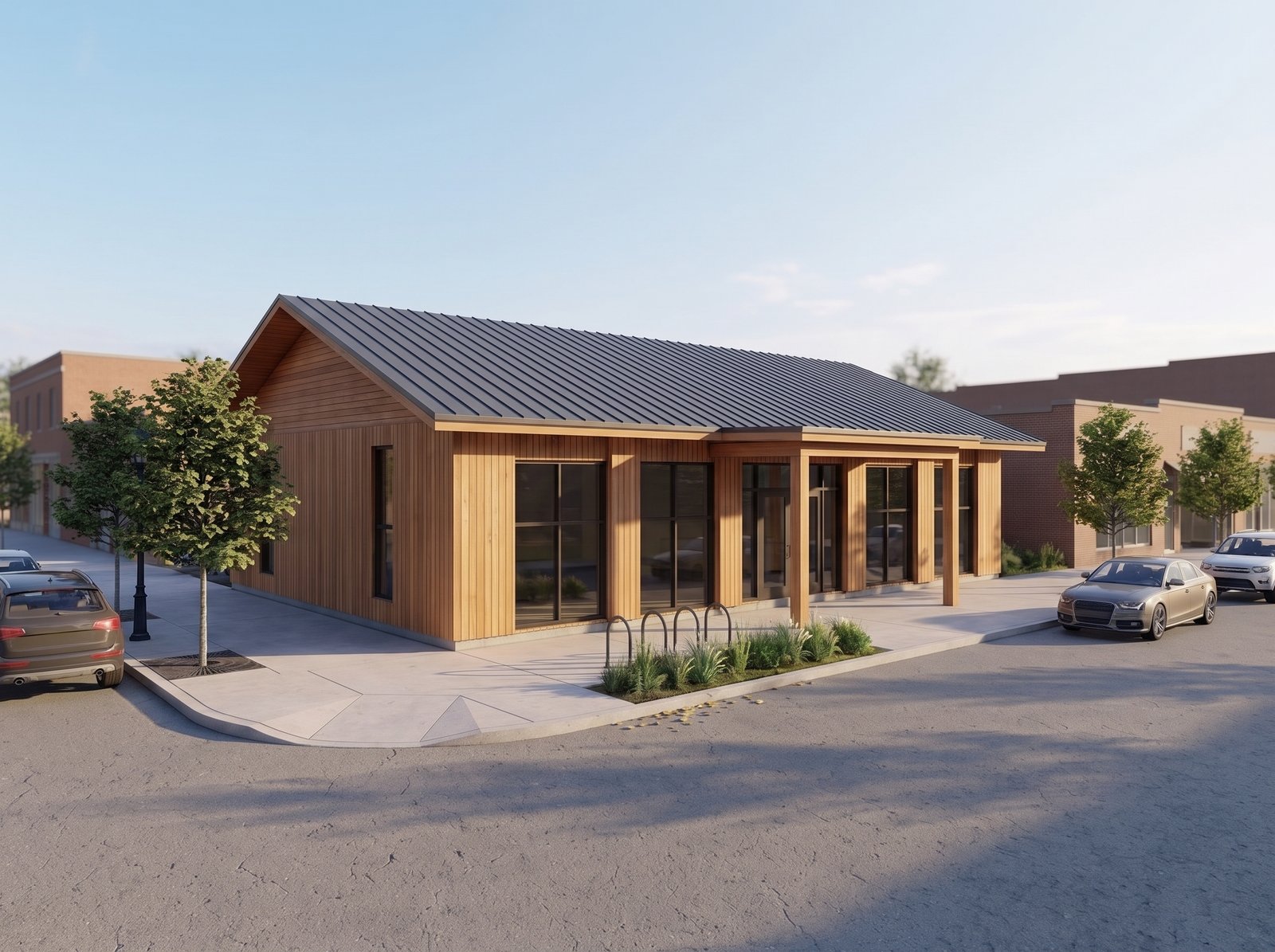
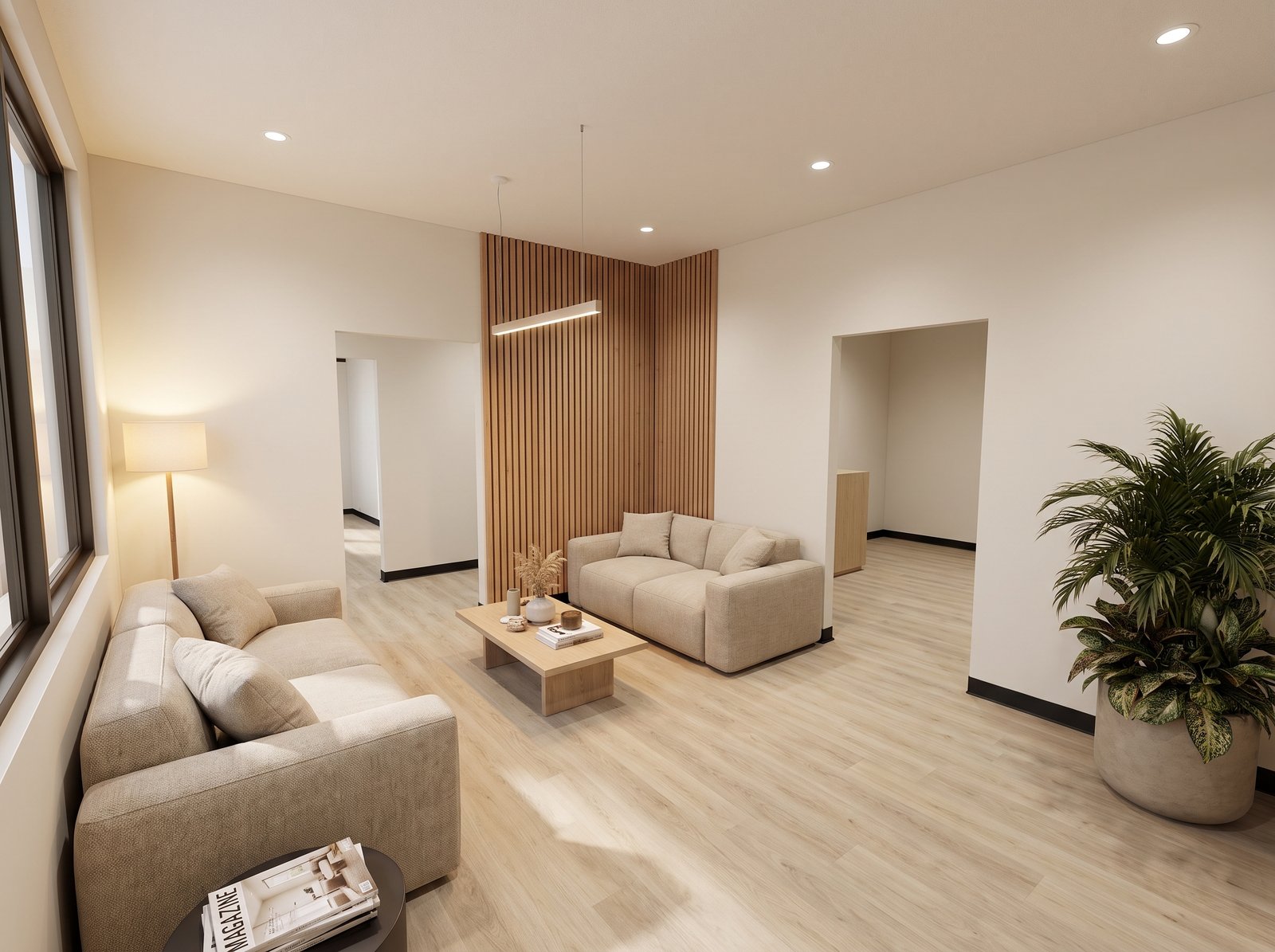
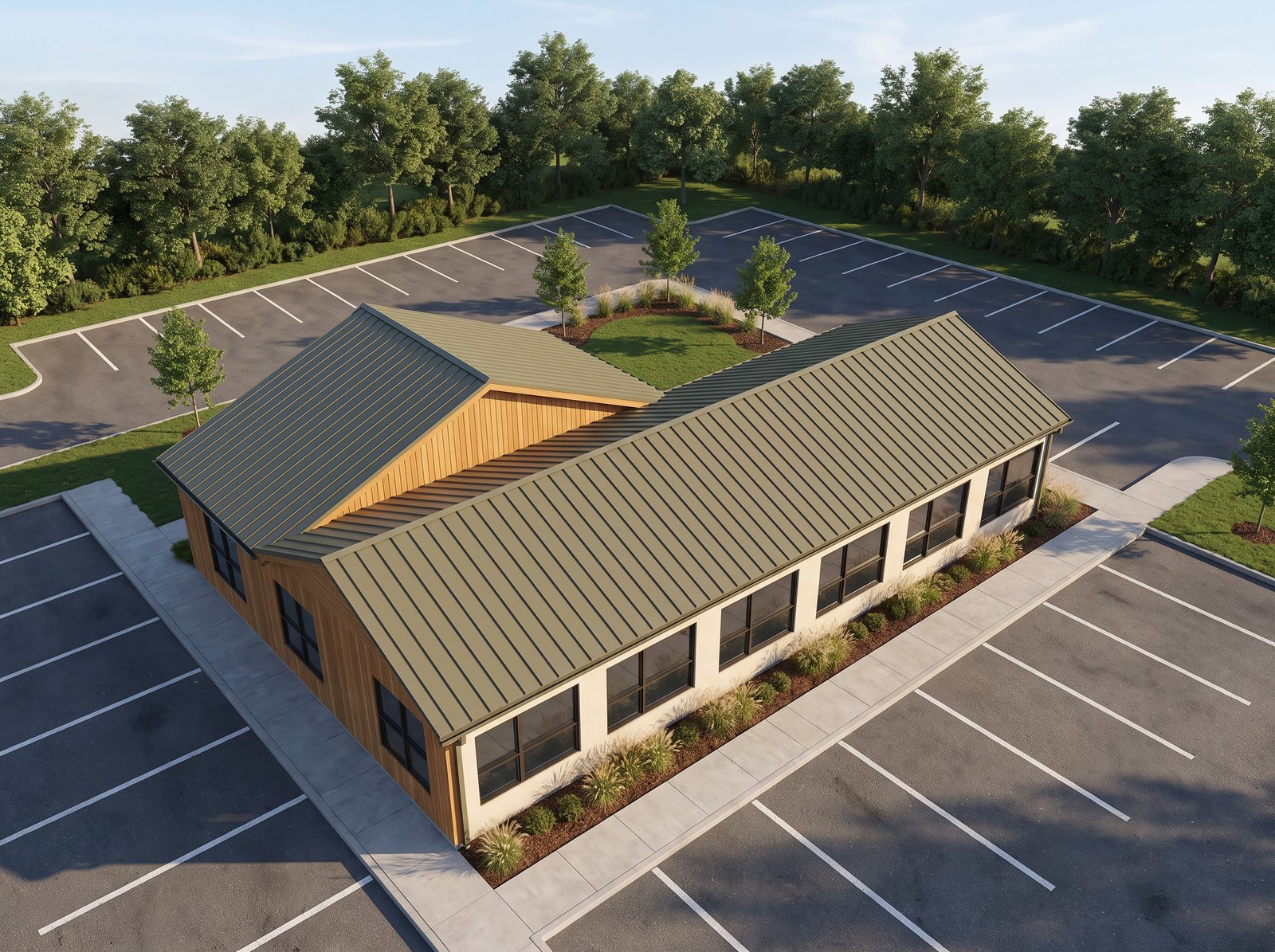
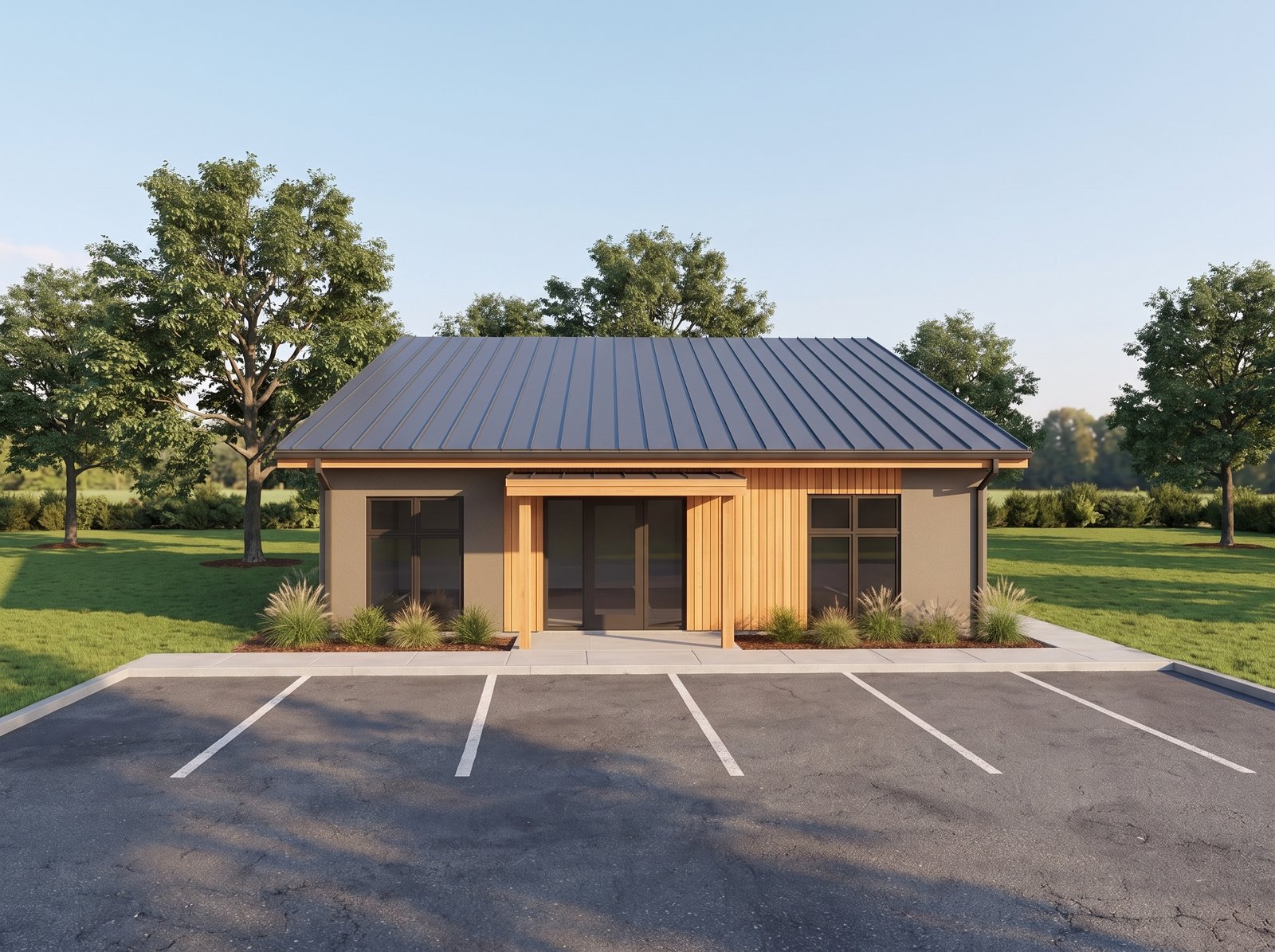
What your client actually sees
One private link. The whole project, in pictures.
Your architect sends one invitation. From then on the design, the decisions and the building site are in one place, in plain language, on any phone or laptop.
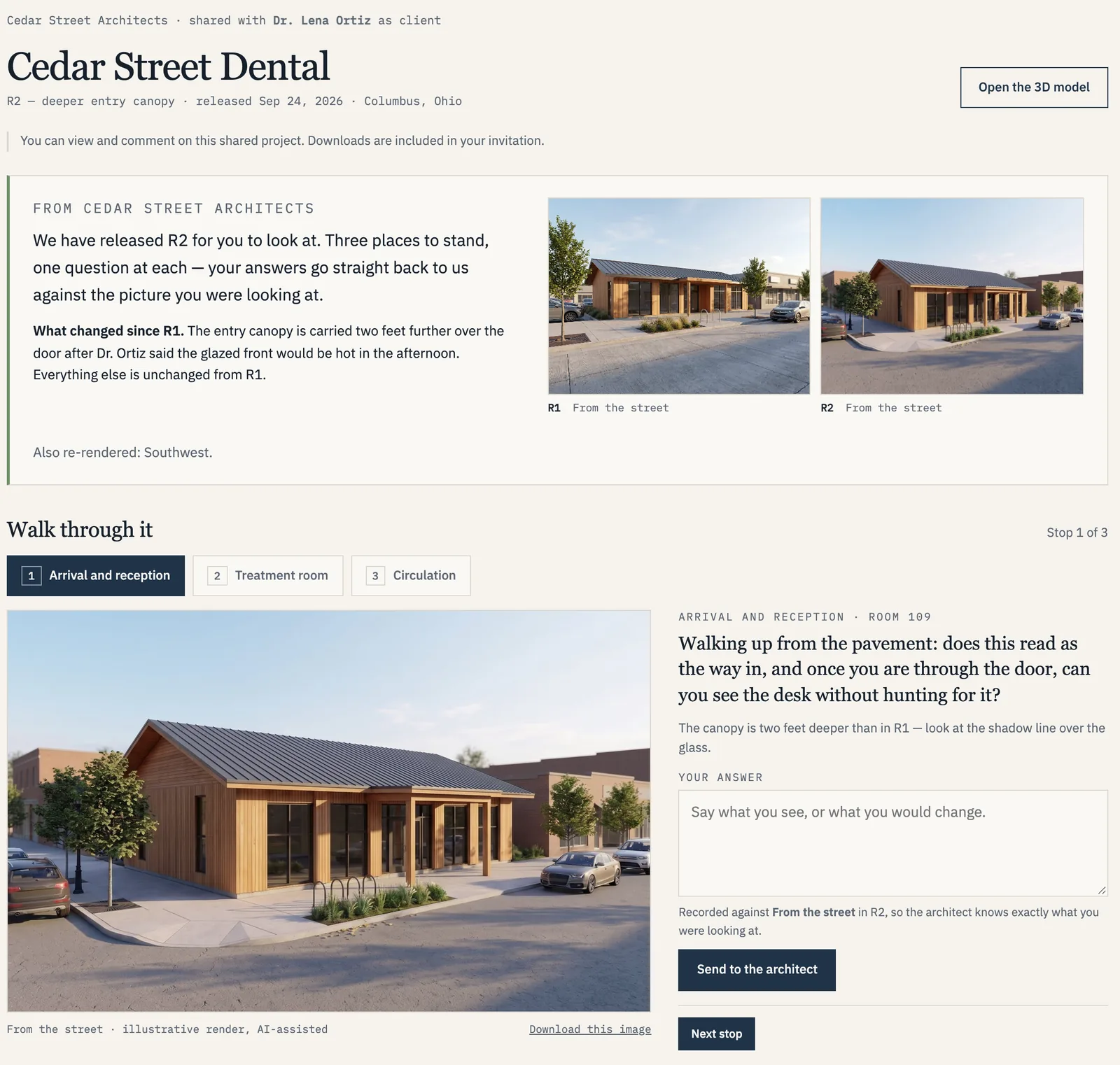
01 · Design review
Walk through the design, stop by stop.
- What changed since last time, shown side by side
- A guided walk with three stops, each a thing to look at
- Every view captioned, and labelled with how it was made
- The 3D model is one tap away
02 · Decisions
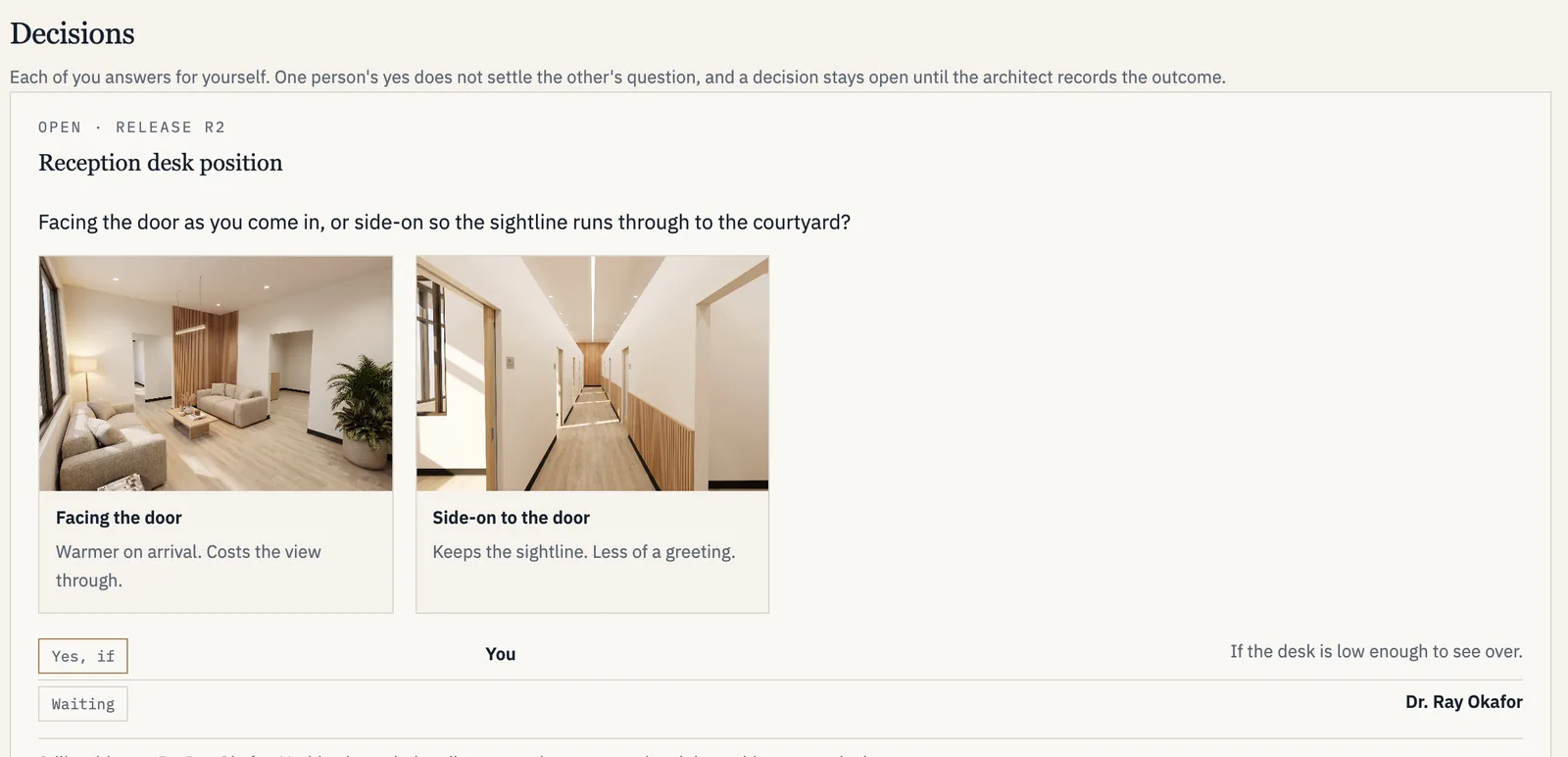
Choices on the record, not lost in email threads.
- Options shown as pictures, side by side
- The architect records what was decided, and when
- The client sees the outcome in the same place as the design
03 · Construction
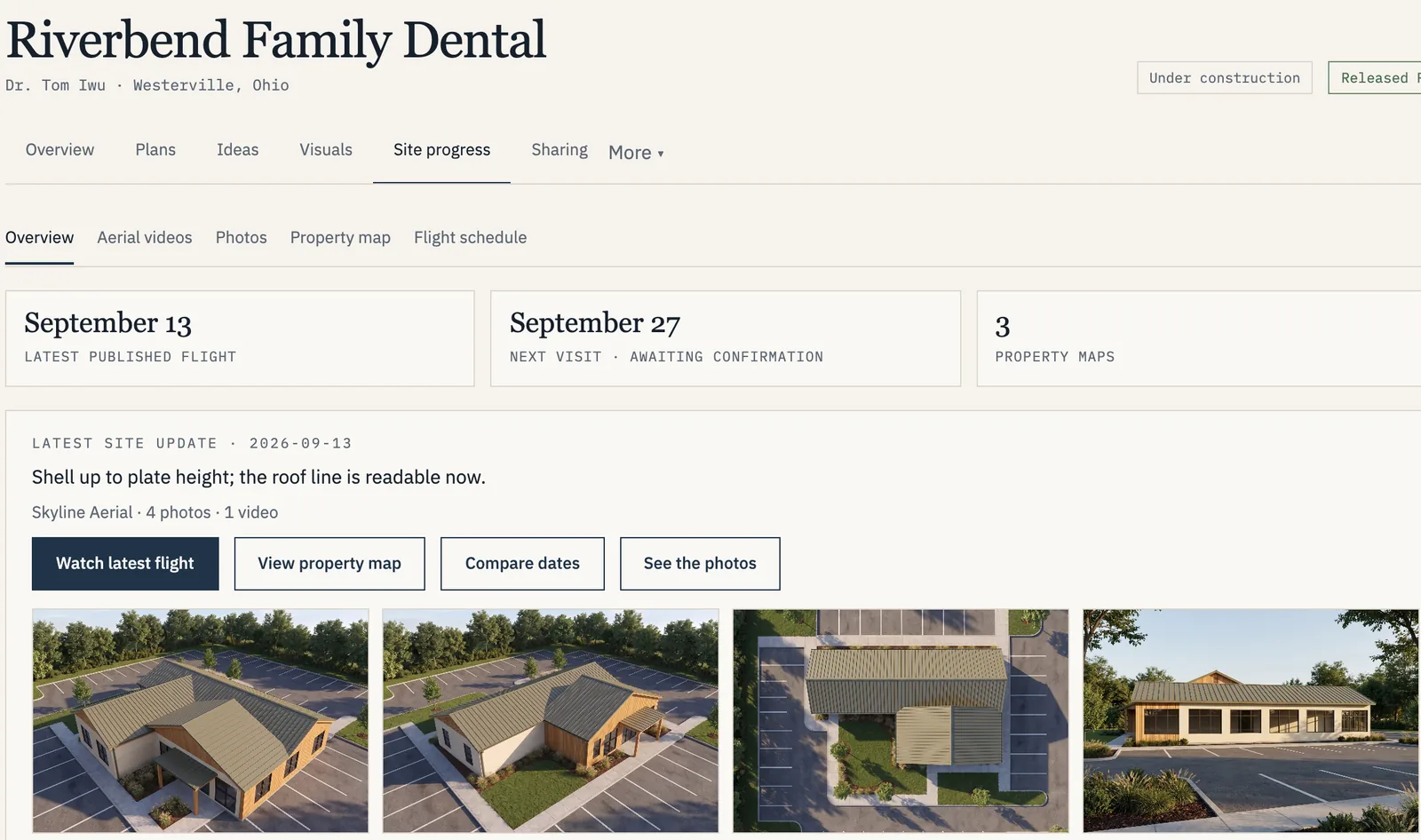
Watch it go up, from the air.
- Drone video and photos after each site visit
- Overhead property maps you can compare by date
- The next flight on the schedule
- Checked by the studio before the client sees it
Drone visits are quoted per project. How drone coverage works
Open site progress in the demo →Screens from the demonstration workspace. Every practice, person, building and flight in it is fictional; the aerial footage is a labelled simulation.
What it costs
Published starting prices. A fixed quote before any work.
Plan Review$1,500Credited toward your package
Spatial Study$4,5003D model and viewer
Presentation Set$9,500Plus exterior visuals
Workspace$290 /monthPer firm, unlimited clients
How a project runs
- 01
Start with the plans.
Identify the current drawing set and agree on the views that matter.
- 02
Refine the details.
Review the model and resolve open assumptions with your architect.
- 03
Bring everyone into the picture.
Present the agreed design to owner, architect and contractor.
A specialist visualization service
Plan review and presentation-ready visuals for dental practices.
Every project starts with a short review of your drawings and an agreed scope — typically an exterior study first, interiors as needed. Visualization only: no editable BIM/CAD deliverables in this pilot.
Start a conversation → See the work